Your Pixel Pets for Weather
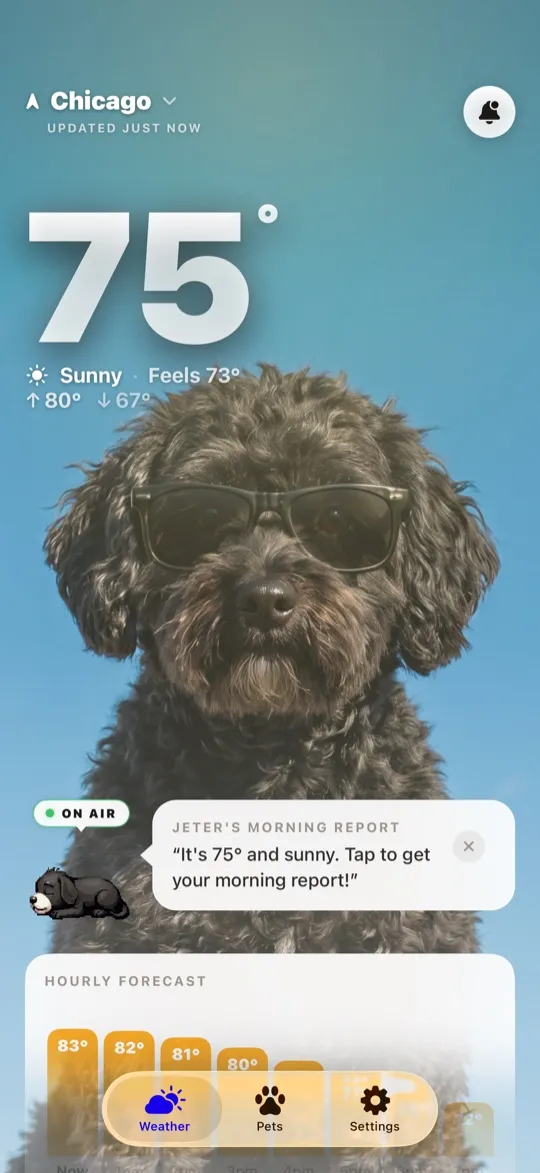
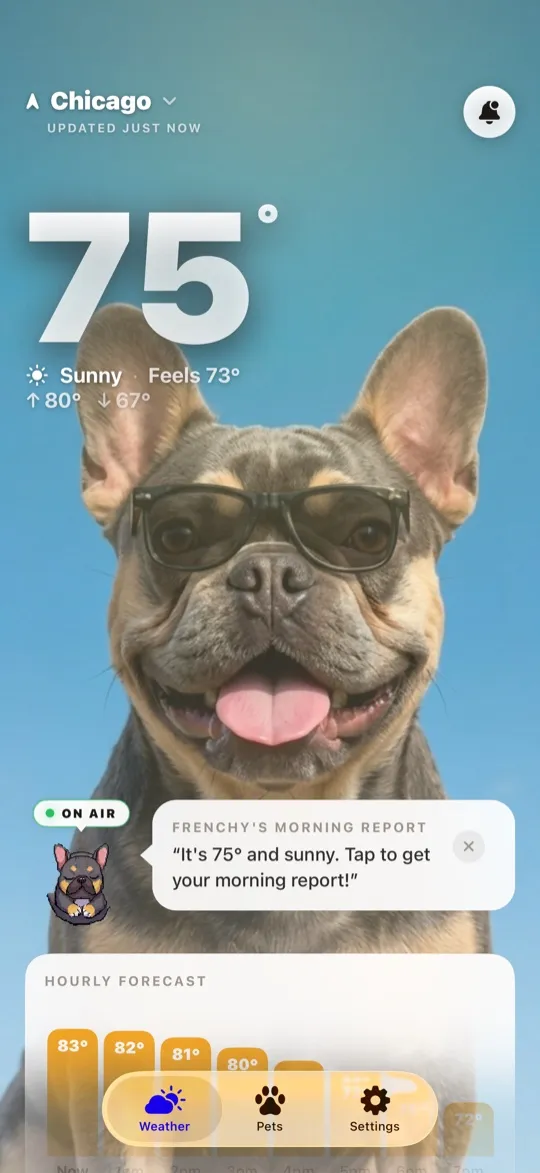
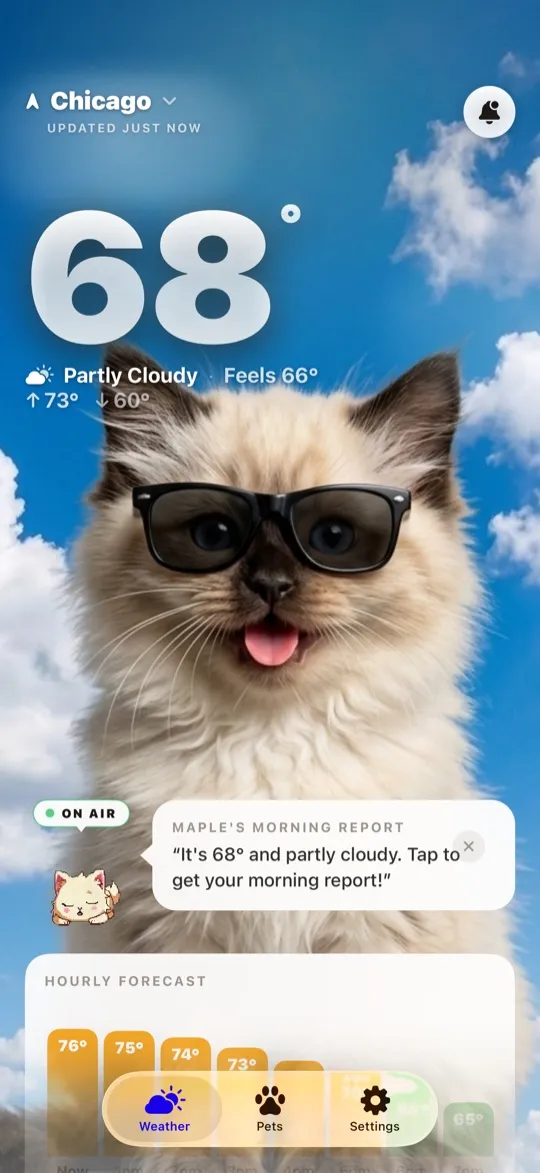
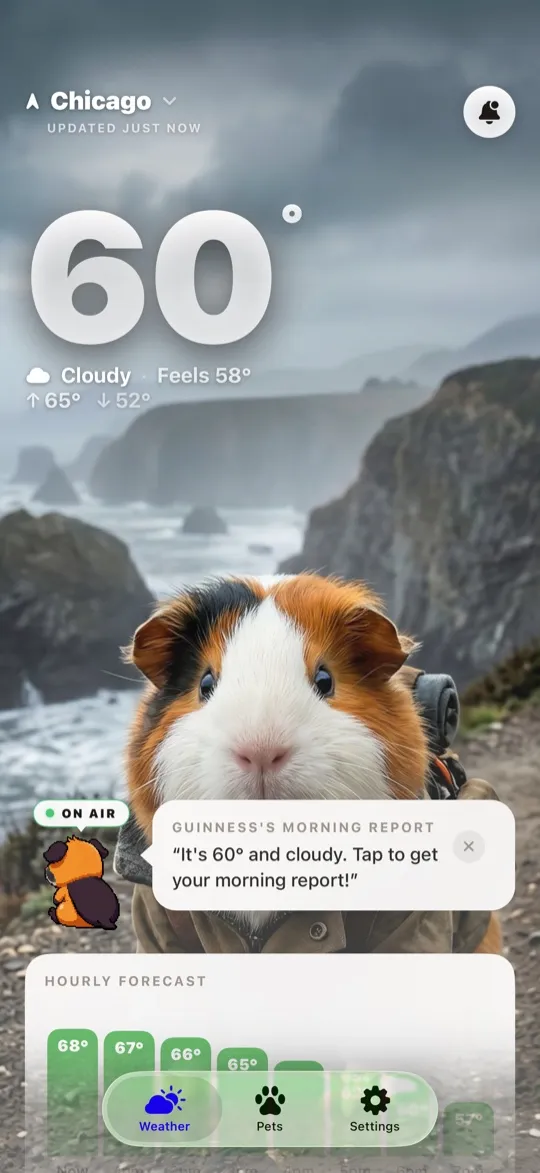
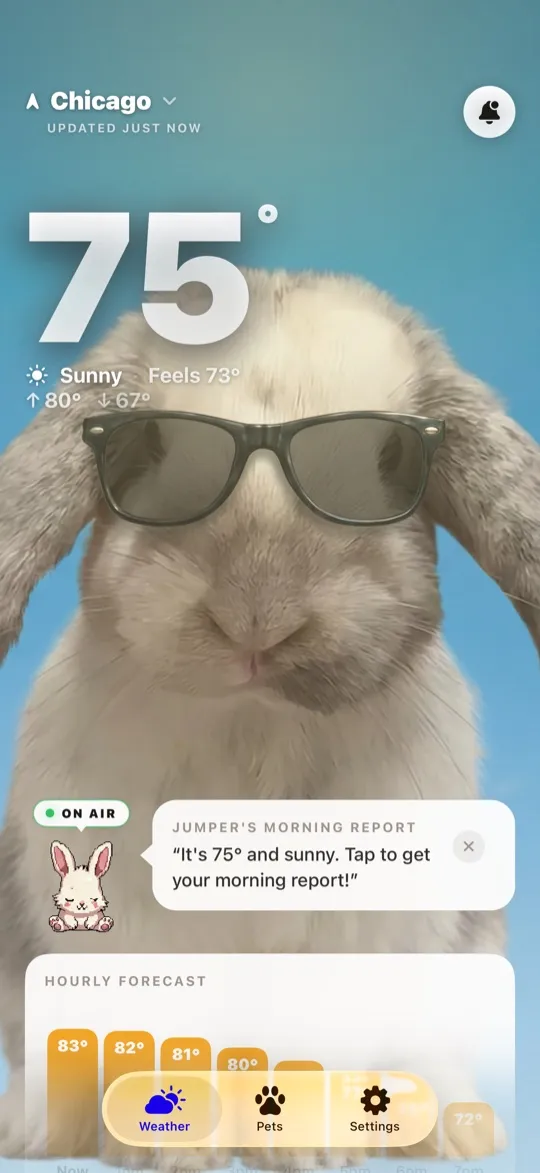
Love retro pixel art? WeatherPets can render your real dog or cat as a charming pixel pet that reports the weather all day long — in the app, in your morning report, and right on your home screen.
There's something timeless about pixel art — it's cozy, nostalgic, and looks fantastic on a phone screen. WeatherPets' pixel style pack turns your real pet into a pixel pet that stars in your daily forecast, and it might be the single most glanceable way to check the weather.
What are pixel pets?
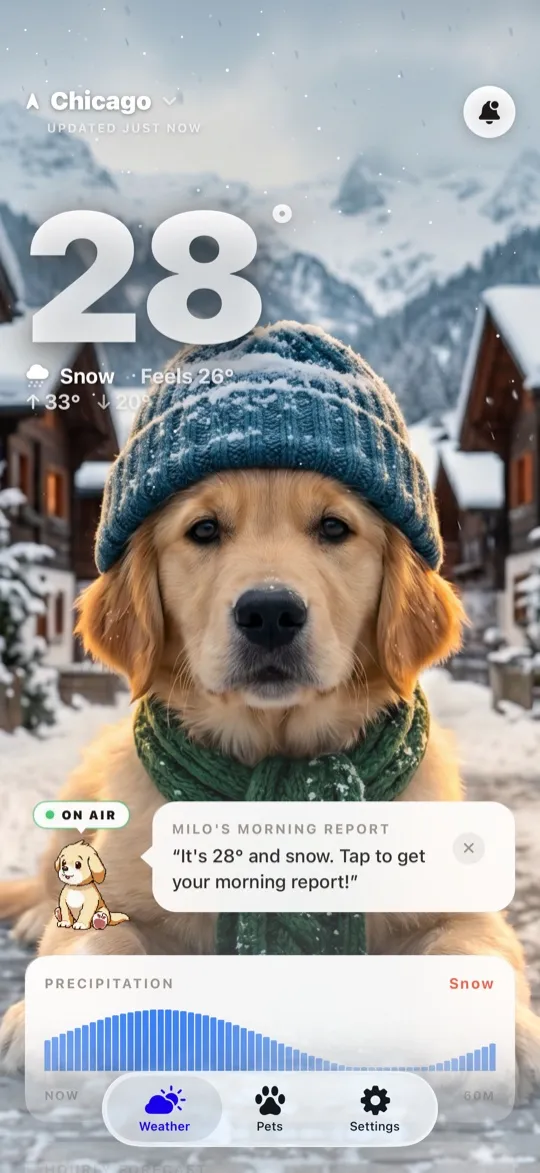
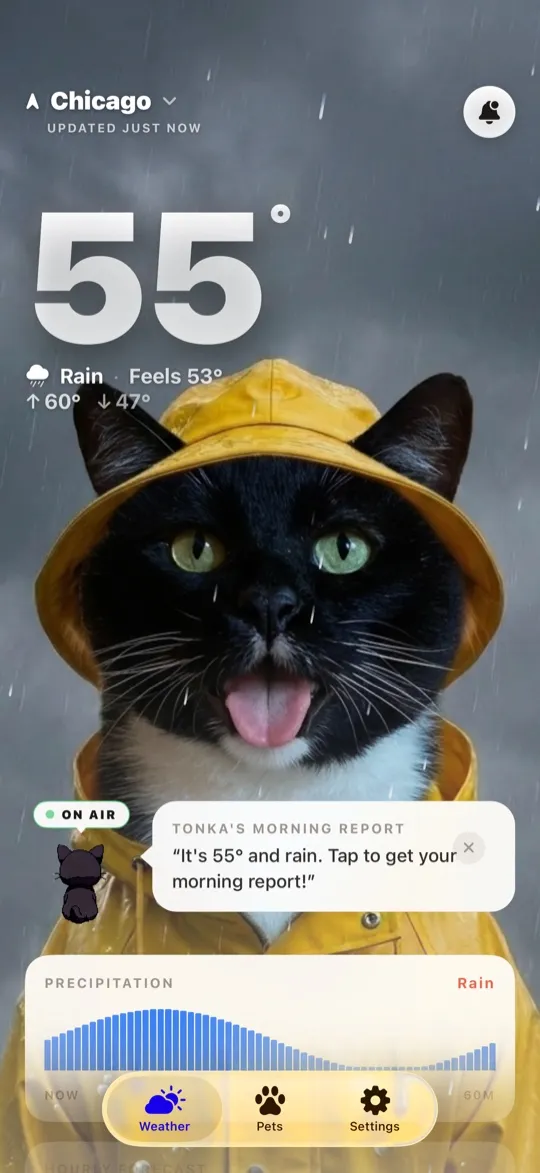
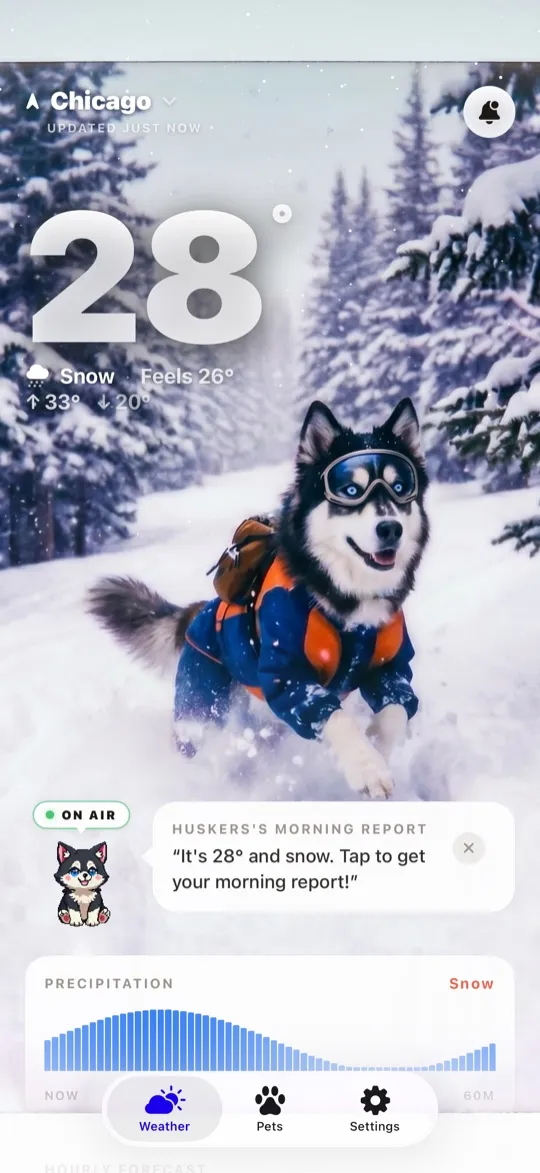
Upload a photo of your dog or cat, choose the pixel style pack, and our AI re-imagines your pet in crisp, retro pixel art. The pixel version still reacts to real weather: sunny scenes, rainy scenes, snow, fog, and more — all rendered in that beloved 8-bit-inspired look. It's your pet, but as the hero of a cozy little game where the plot is always "what's the sky doing today?"
How your pixel pet is generated
The process starts with the same likeness step as every WeatherPets style. The AI studies your photo to learn what makes your pet your pet — coloring, markings, build, that signature expression — then translates those features into pixel form. The result isn't a generic sprite with your pet's name on it; it's recognizably your animal, distilled into a handful of well-chosen pixels.
From there, two things happen. Full pixel scenes are generated to match the live conditions outside your window, powered by Apple WeatherKit's forecast data. And your pet gets an animated pixel reporter avatar — a tiny on-duty character that blinks and bobs while presenting the weather, like a broadcast journalist who is also a video game protagonist. It's a small touch, and it's most people's favorite part.
What is a pixel art weather widget?
WeatherPets' pixel style pack renders your real dog or cat in retro pixel art, then places that pixel pet into a weather-accurate widget. As conditions change — sun, rain, snow, fog — the widget updates to match, all in a cozy 8-bit-inspired look. Pixel art stays crisp in small, medium, and large widget sizes, and it feels like a tiny game character lives on your home screen.
Pick your widget size
- Small. A neat square: your pixel pet plus the current temperature and condition. Perfect for minimal home screens.
- Medium. A wider card with room for your pet and a bit more weather detail. A natural centerpiece for your main page.
- Large. The full diorama — your pixel pet's whole scene, big enough to enjoy the artwork every time you unlock.
If you've never added a widget before, our widget guide walks through the whole thing in under a minute.
Why pixel art is perfect for weather glances
There's a practical reason pixel art works so well here, beyond nostalgia. A weather widget lives or dies by the half-second glance, and pixel art is built for exactly that. It communicates in bold shapes and a limited palette, so "raining," "sunny," and "snowing" read instantly from across the room — no squinting at a photorealistic sky trying to decide if that's fog or just gray. It also stays perfectly crisp at small sizes, where detailed images turn to mush. Game designers spent decades making pixel art legible on tiny screens; your home screen widget is the same problem, solved the same way.
And because the style is stylized rather than literal, the daily changes feel like little scene updates in a game you're fond of. Checking the weather starts to feel less like reading a dashboard and more like checking in on a tiny world where your pet lives.
More styles when you want a change
The pixel pack is one of several looks. WeatherPets also offers Realistic, Cinematic, Lofi Room, Polaroid Adventure, watercolor, and studio styles, and you can swap between them with a tap — pixel art on the widget this week, watercolor next week, no re-setup required. Under the hood it's still a full weather app either way: real hourly and 10-day forecasts and severe-weather alerts powered by Apple WeatherKit. The pixel art is just the most fun way to check it.
New to WeatherPets? Start with our full explainer or jump straight to setting up your own reporter — pixel fans should also see why it's the cutest weather app on iOS.
The feature that separates WeatherPets from an ordinary weather app is the Pet Safety Score: a 0 to 100 read on whether it is safe for your specific pet to be outside right now, with every point in the number explained rather than asserted. Meet your WeatherPet on the App Store.
Your daily forecast, delivered by your own pet.