WeatherPets vs Carrot Weather: Which Should You Download?
Both apps want to make checking the weather less boring. They just go about it in completely different ways. Here is an honest look at WeatherPets vs Carrot Weather so you can pick the one that fits how you actually start your day.
If you have spent any time in the App Store weather category, you have probably bumped into both of these. They are not really rivals so much as two answers to the same question: why does the weather have to be so dull? One answers with attitude and data. The other answers with your dog (or cat, or guinea pig) standing in the rain. Let's break it down.
What Carrot Weather does well
Carrot Weather has earned its following, and it is easy to see why. Its calling card is a snarky AI personality that narrates your forecast with jokes, sass, and the occasional threat to your continued existence. If you like your weather served with a side of dark humor, it nails the bit.
Underneath the comedy, it is a genuinely deep weather app. Carrot is built for people who want to look at data: detailed hourly and long-range forecasts, maps and radar layers, and a real interest in the numbers behind the sky. It is also famous for how much you can customize. You can rearrange and tune what shows up so the app reflects exactly the metrics you care about.
So if you are the type who reads the dew point for fun, screenshots the radar before a road trip, and wants a weather app that talks back, Carrot is a strong pick. It is made for data fans and people who love tinkering with their setup until it is just so. The trade-off, if you can call it that, is that the personality lives in the writing. The app is sharp and funny, but it is still fundamentally a dashboard of numbers and snark, which is exactly what its fans want.
What makes WeatherPets different
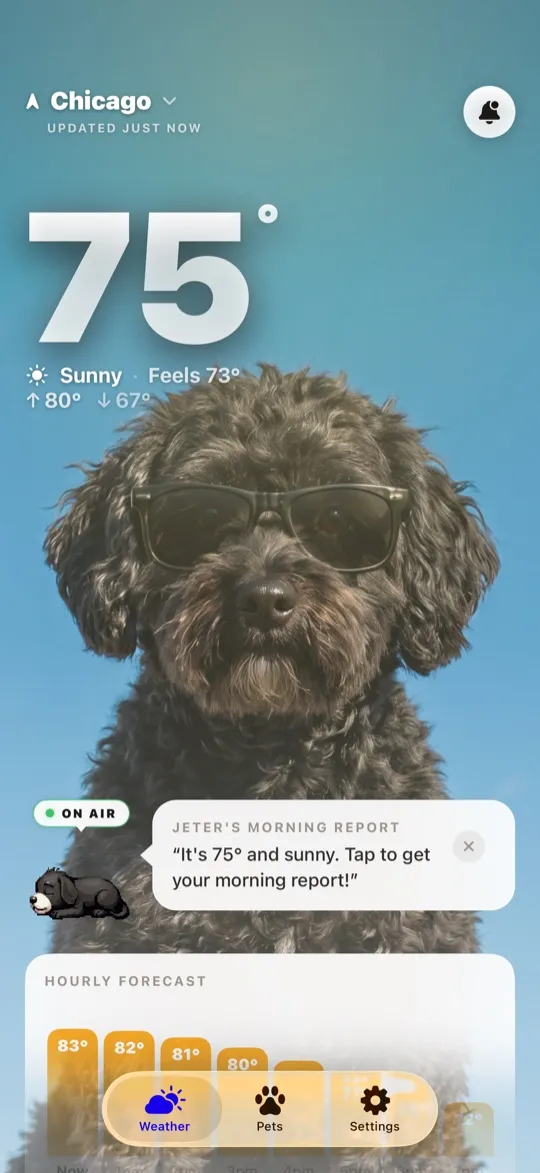
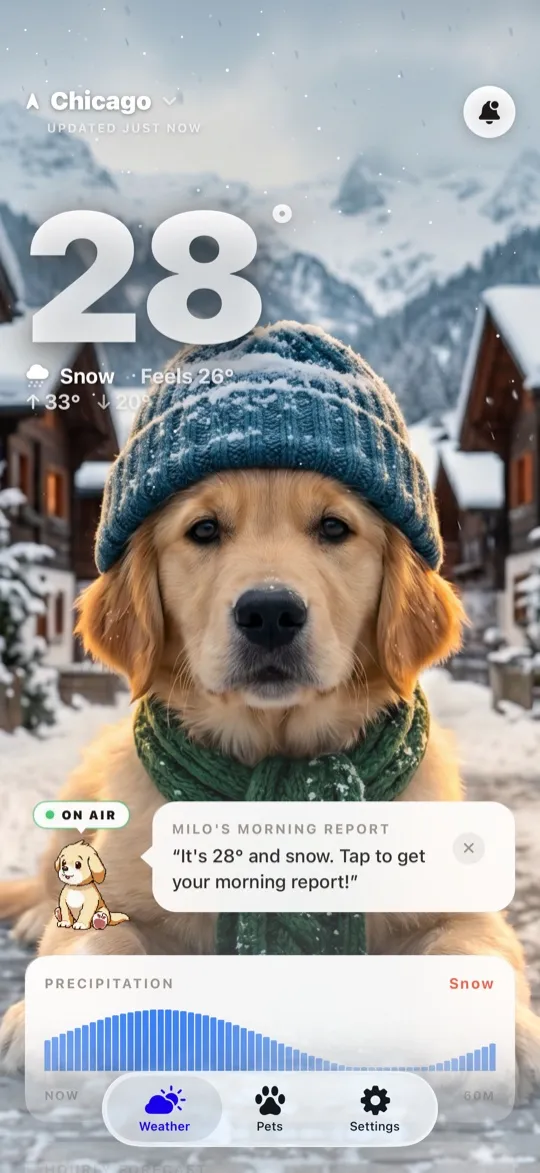
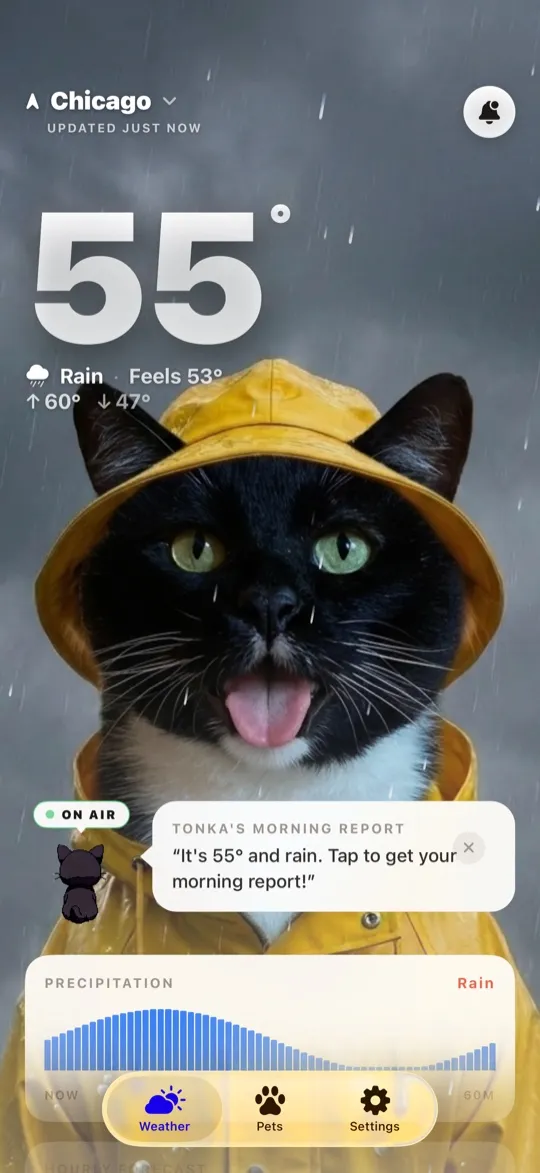
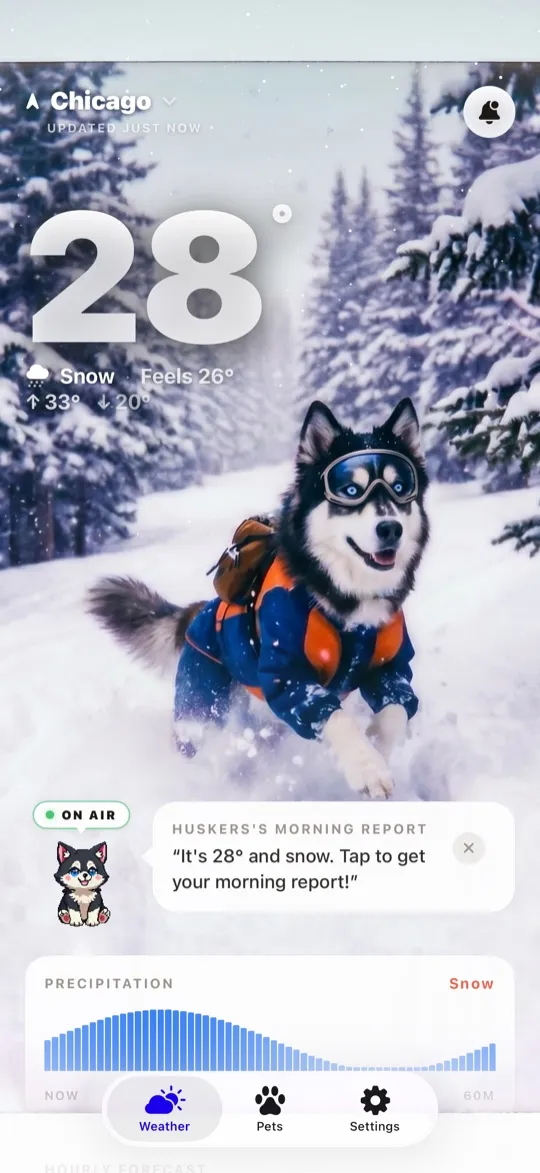
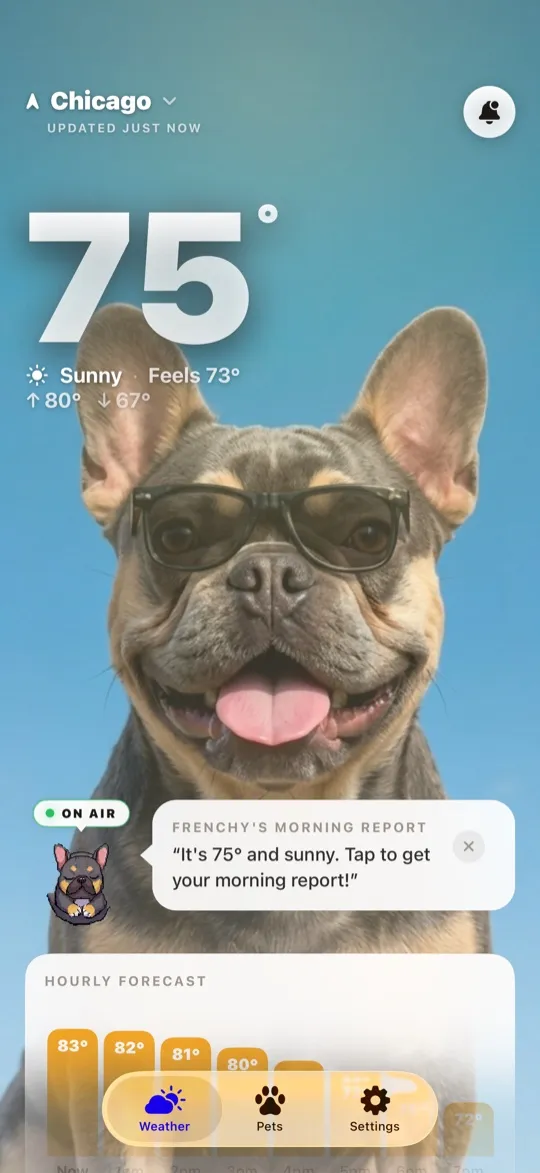
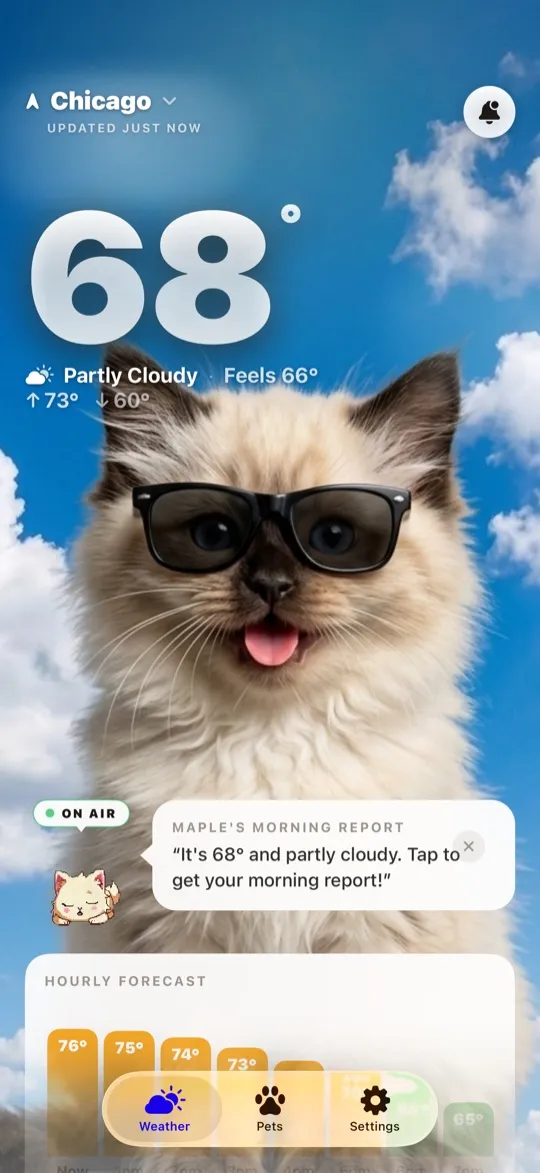
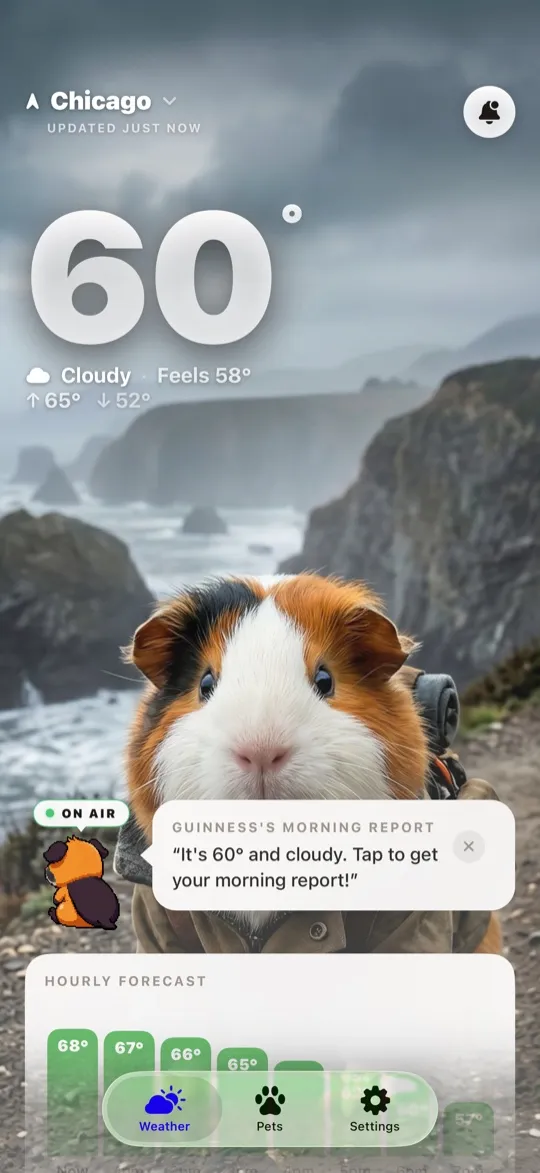
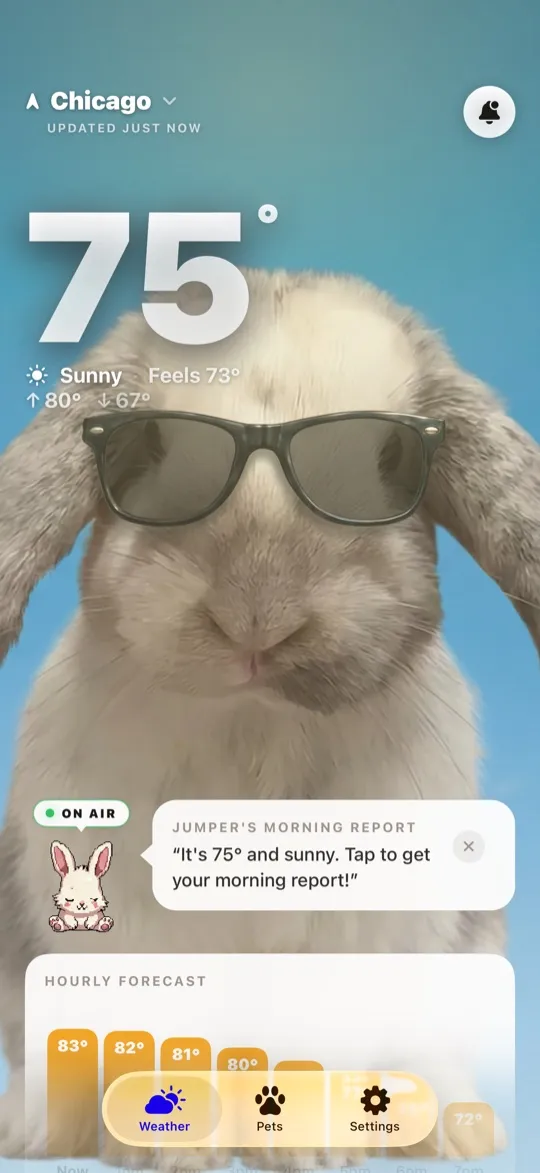
WeatherPets starts from a different place. Instead of leading with charts, it leads with the one thing you already check your phone to see all day anyway: your pet. You upload a photo, pick a personality, and your real animal becomes your forecaster.
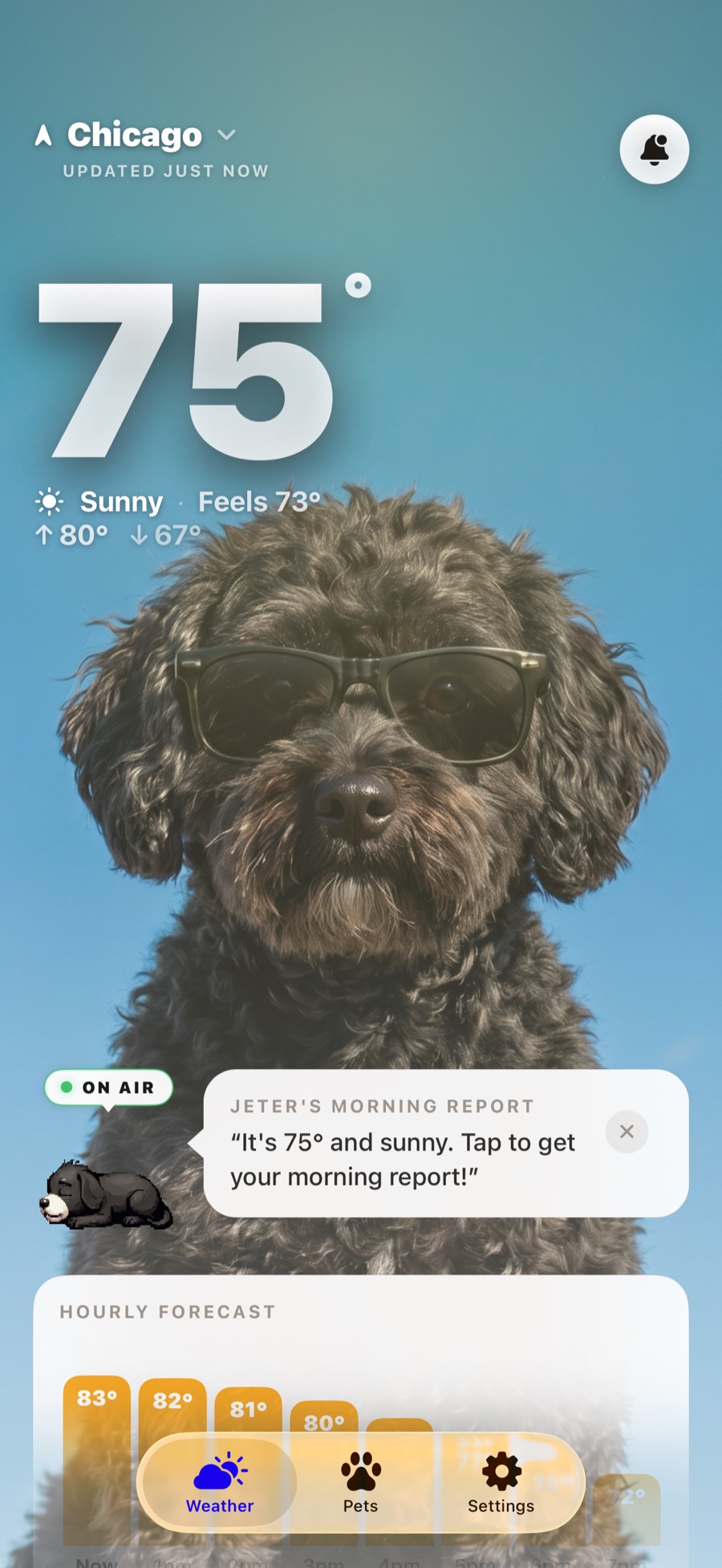
Here is what that actually looks like day to day:
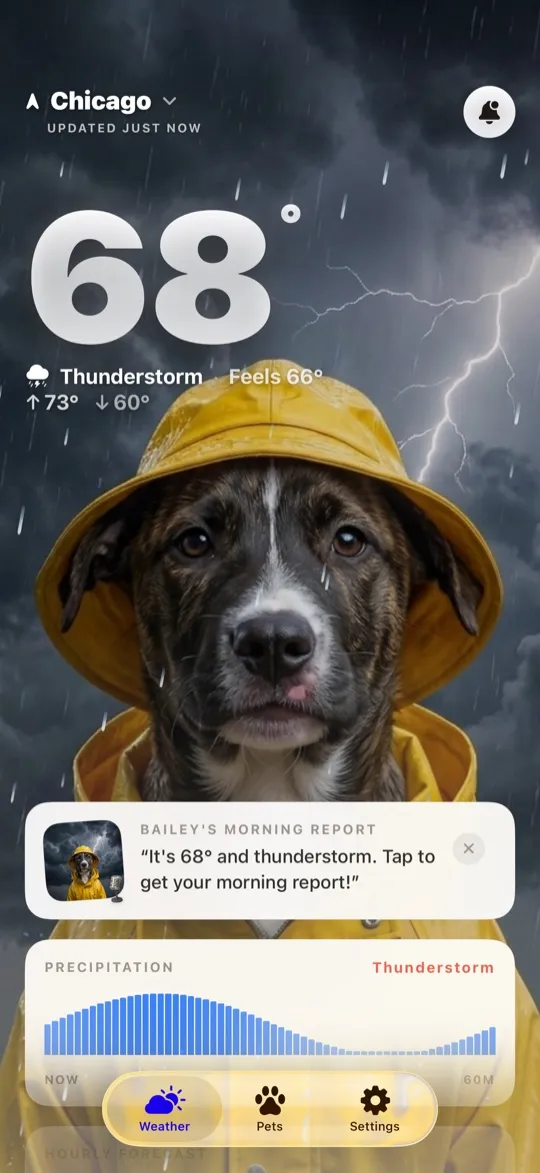
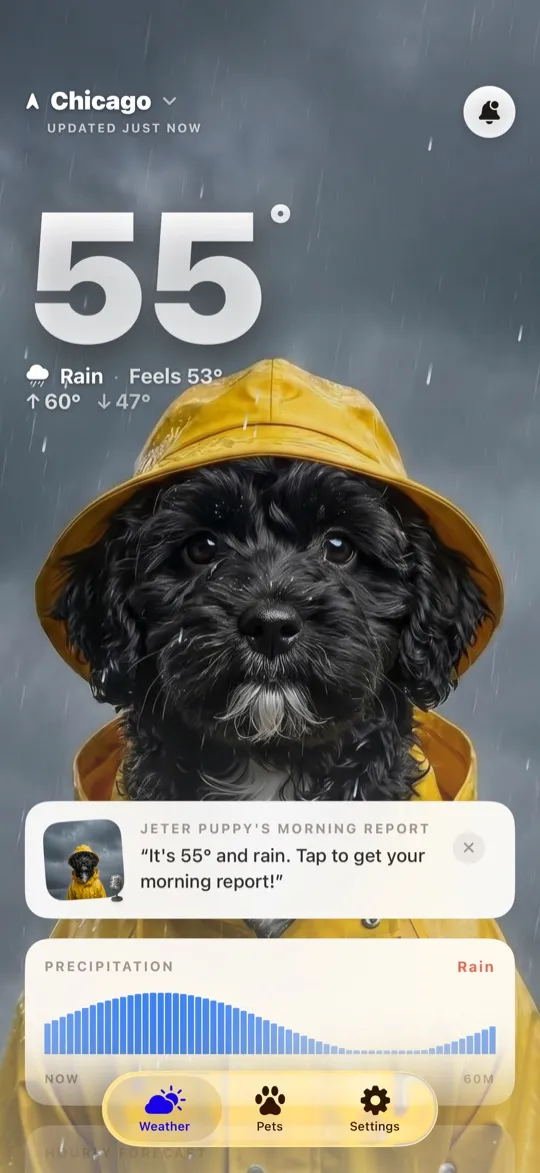
- Your pet delivers the forecast. The home screen shows your animal in an AI weather scene that matches the real conditions outside, sunny, stormy, snowy, and changes through the day.
- A real 10-day forecast. Live weather tracking and a full ten-day outlook, so the joy does not come at the cost of the data you need.
- Morning and evening reports. A short daily briefing in your pet's voice, so you know what to expect before you head out and how the night looks.
- Widgets and Live Activities. Home and lock screen widgets put your pet plus the temperature one glance away, and Live Activities track conditions in real time.
- A gallery of your pet restyled. See your own animal re-imagined for every weather condition, which turns out to be a surprisingly fun reason to keep checking.
The point is not to out-nerd Carrot on data layers. It is to make the daily weather check feel warm instead of like a chore. The forecast is real and accurate, but the reason you open the app is the little dose of joy waiting on the home screen. You get the same kind of information any good weather app gives you, wrapped around the animal you already love, and that small shift is enough to make weather something you remember instead of something you tolerate.
At a glance
Here is the side-by-side, honestly stated.
| Carrot Weather | WeatherPets | |
|---|---|---|
| Pet on screen | None; a snarky AI character narrates instead | Your real pet, AI-generated into scenes that match the live weather |
| Weather data source | Multiple sources, with premium options like The Weather Channel, AccuWeather, and Apple Weather | Apple WeatherKit |
| Widgets | Lock and home screen widgets with Premium | Small, medium, and large home screen widgets starring your pet |
| Severe weather alerts | Weather alert and lightning notifications with Premium | Severe weather alert notifications |
| Personality & reports | Sharp, darkly comic forecast narration | Morning and evening reports in your pet's voice |
| Price | Free download; subscription-based Premium tiers | Free download; full features $9.99/mo or $34.99/yr |
| Platforms | iPhone, iPad, and Apple Watch | iOS 17+ (iPhone) |
Which one is right for you
Honestly, this comes down to what you want out of the thirty seconds you spend checking the weather each morning.
Choose Carrot Weather if you love data, want heavy customization, and enjoy a weather app with a sharp, comedic personality. It rewards people who like to dig into forecasts and fine-tune every detail of what they see.
Choose WeatherPets if you are a pet owner who wants a warm, joyful daily check-in. If the idea of your own dog or cat reporting the rain makes you smile, that feeling is the whole product, and it is the kind of thing you will actually look forward to. Both apps live on the iPhone, and you can read more about how the category stacks up in our roundups of the best pet apps for iPhone in 2026 and the top 5 weather apps for iPhone. You can also see Carrot listed alongside other options in the App Store weather category.
There is no wrong answer here. Some people want a comedian with a barometer. Some people want their best friend telling them to bring a jacket. If you fall in the second camp, WeatherPets was built for you.
Your daily forecast, delivered by your own pet.