WeatherPets vs Weather Kitty
Both apps make the forecast cuter with cats. The difference comes down to one question: do you want a big library of adorable stock cats, or your own cat delivering the weather?
Weather Kitty is a beloved classic that has been putting kittens in the forecast for years. WeatherPets is the personalized next generation. Full disclosure: we build WeatherPets, so we are not a neutral referee. But we will keep this honest, because Weather Kitty does some things genuinely well, and for some people it is the better pick. Here is how the two actually compare.
What Weather Kitty gets right
Credit first. Weather Kitty, from Weather Creative Inc. (the same team behind Weather Puppy), is free to download and runs on both iOS and Android. Its signature is the sheer size of the library: over 1,000 cat photos organized into 17 themes, from Yoga Cats to Sphynx to Big Cats, with the photos changing to match the weather and time of day.
It also covers respectable weather ground for a free app: a 7-day forecast, hourly conditions, animated radar, and in-app severe weather alerts. If you want a lightweight, no-cost app that pairs your forecast with an endless stream of cute cats, Weather Kitty delivers exactly that. It has earned its loyal following.
The pet on screen
Weather Kitty pairs the forecast with stock cat photos. They are lovely photos, but they are someone else's cats. You can add pictures of your own cat as a custom theme (a premium add-on), though at that point it is still your existing camera roll photos sitting next to a weather readout.
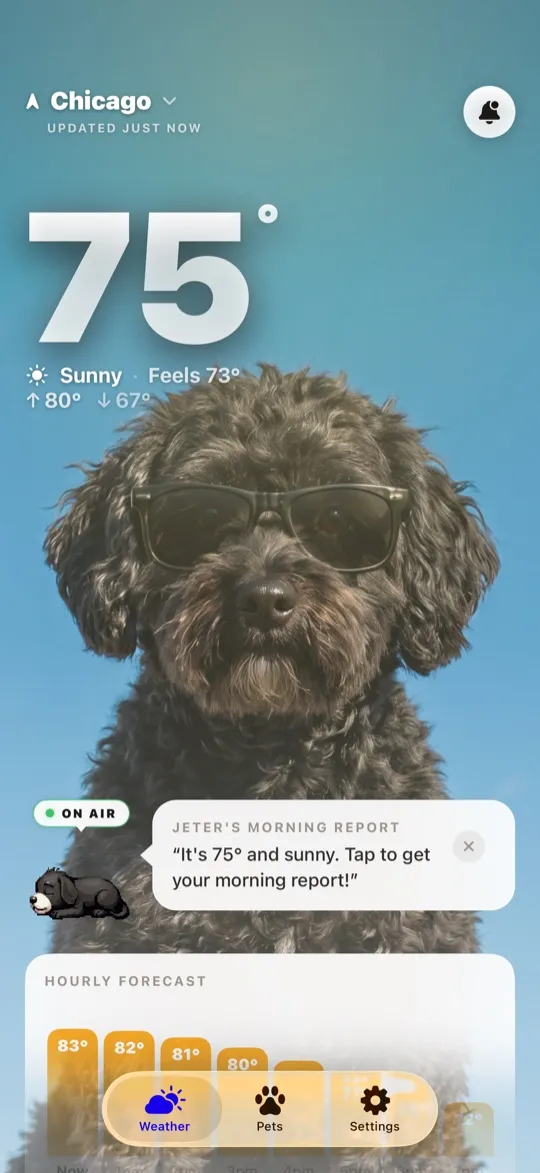
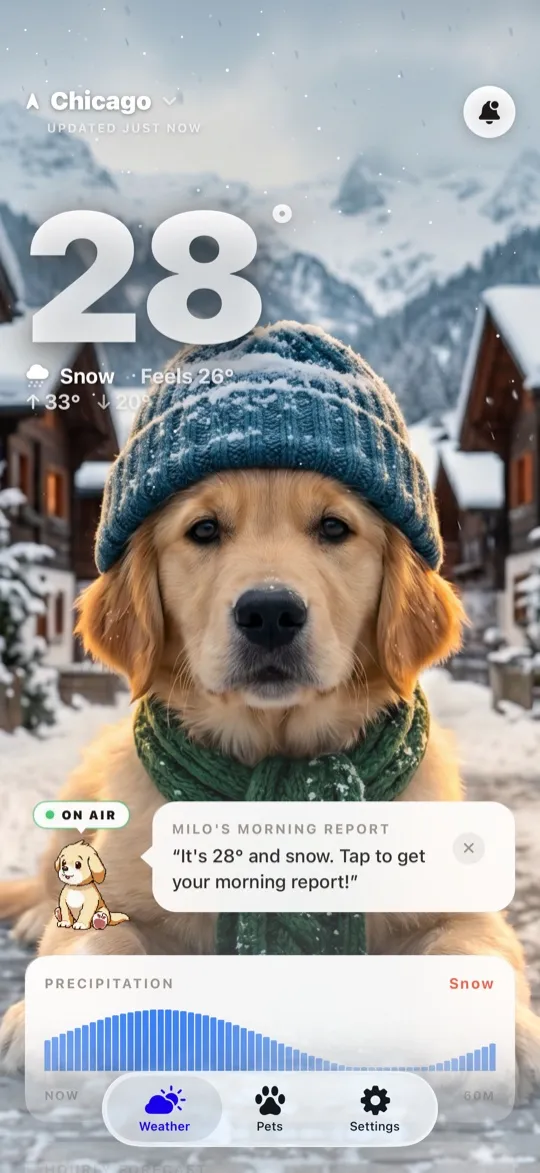
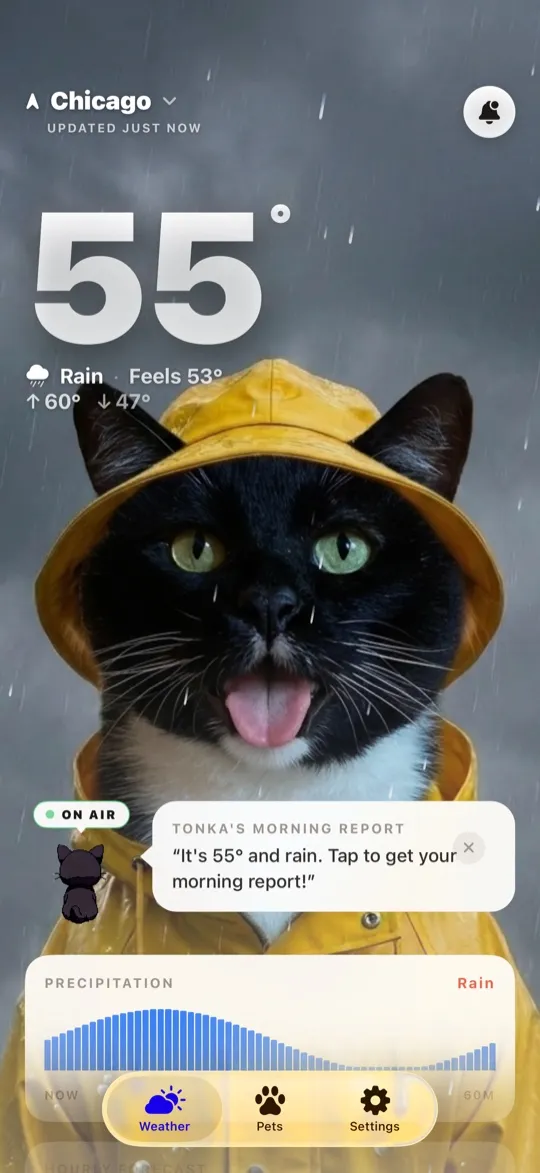
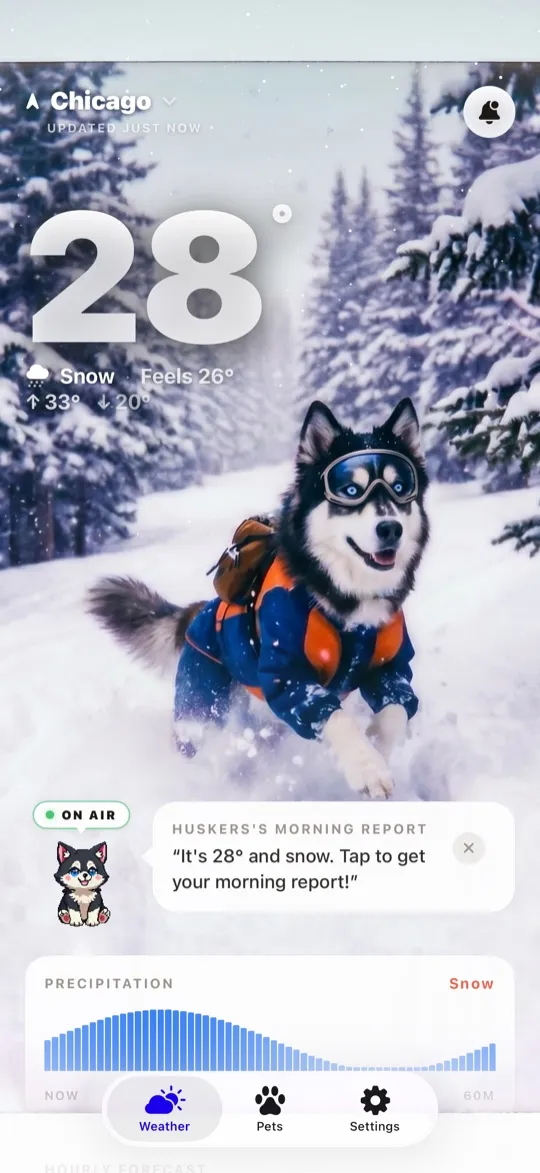
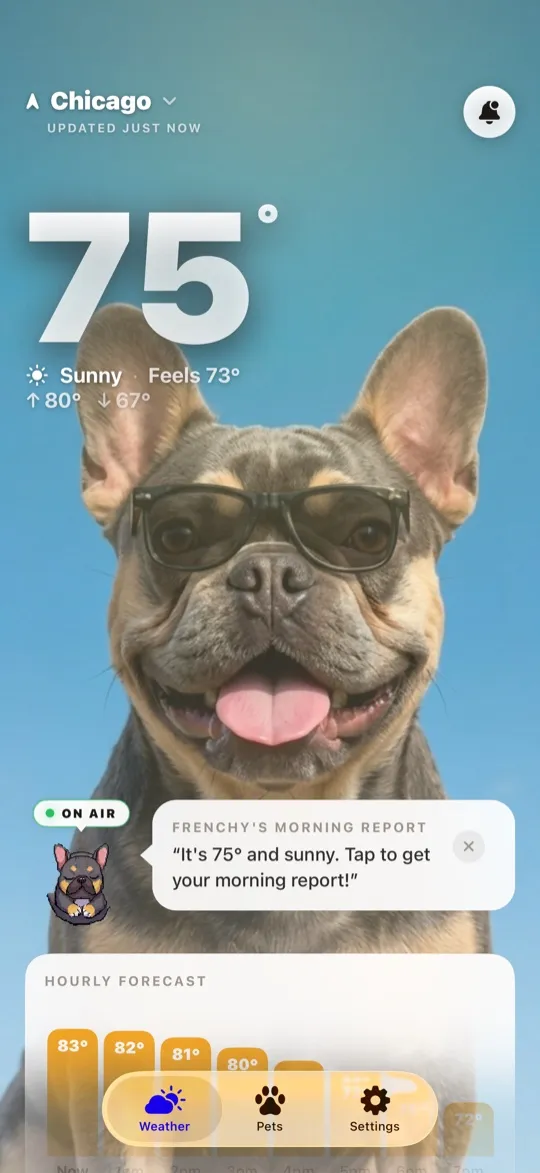
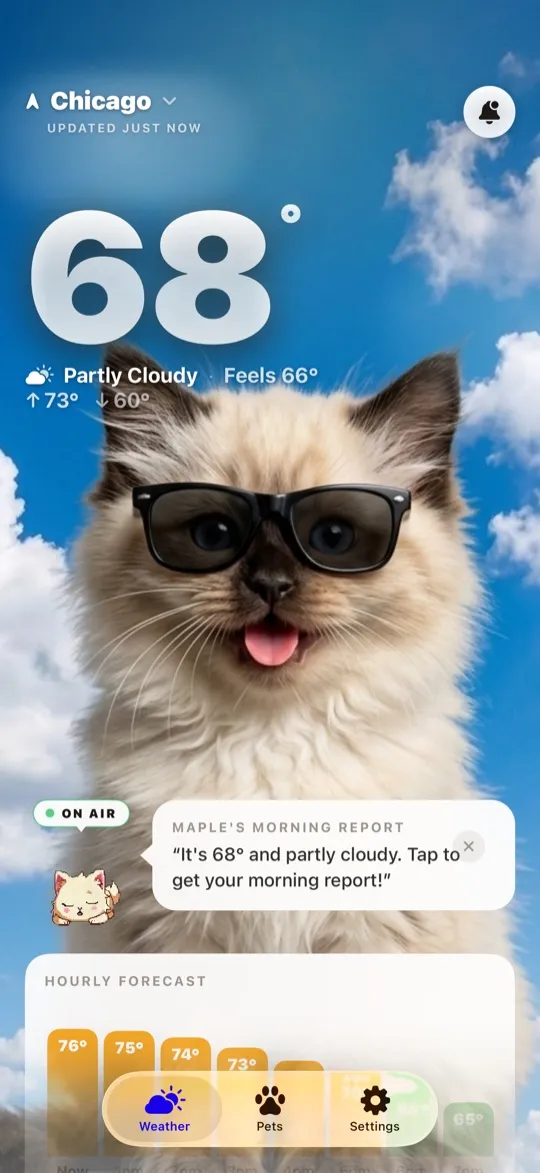
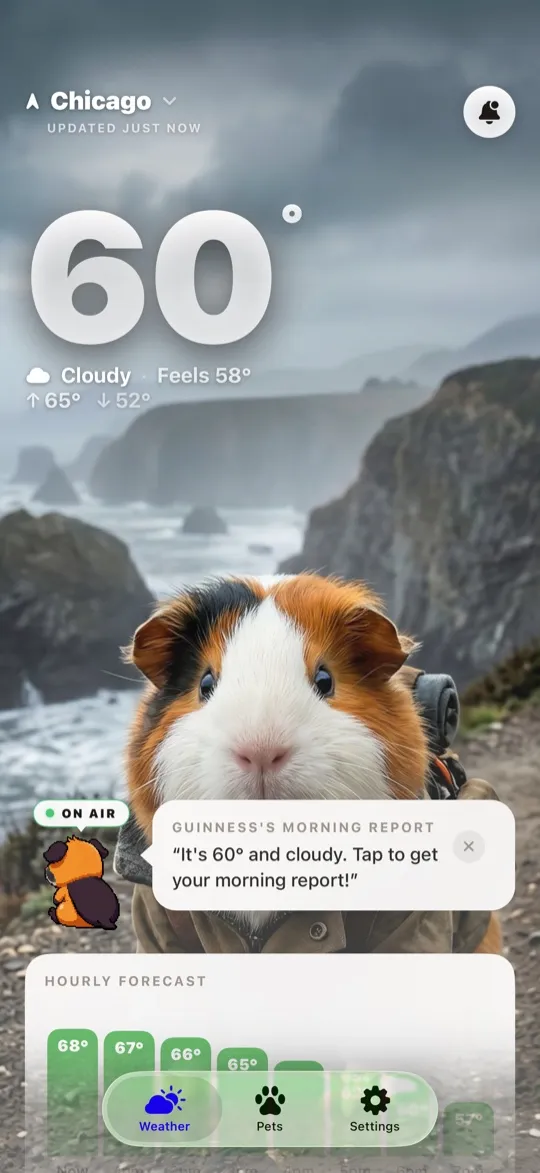
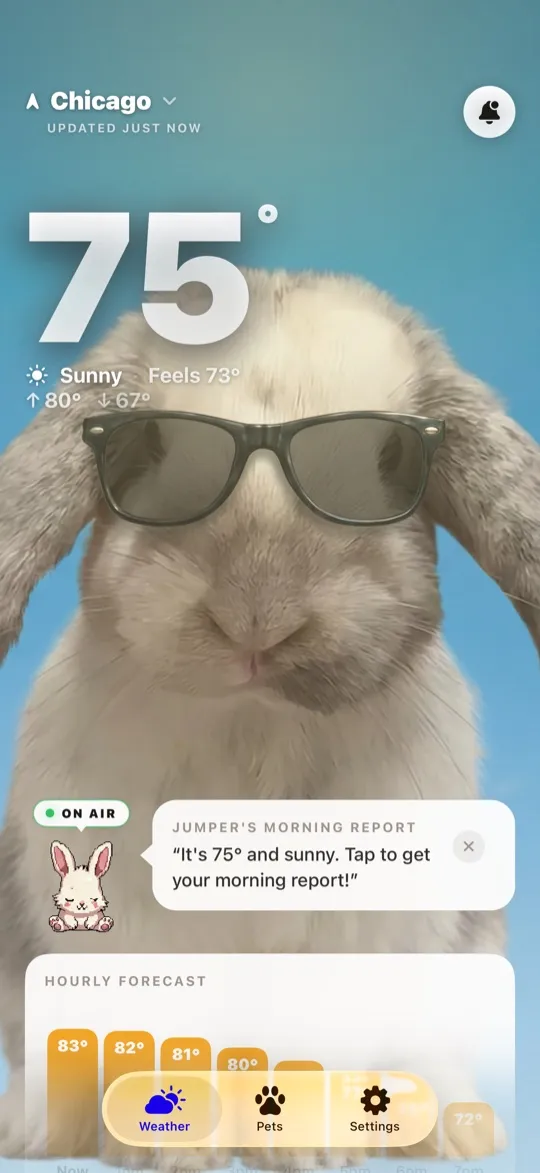
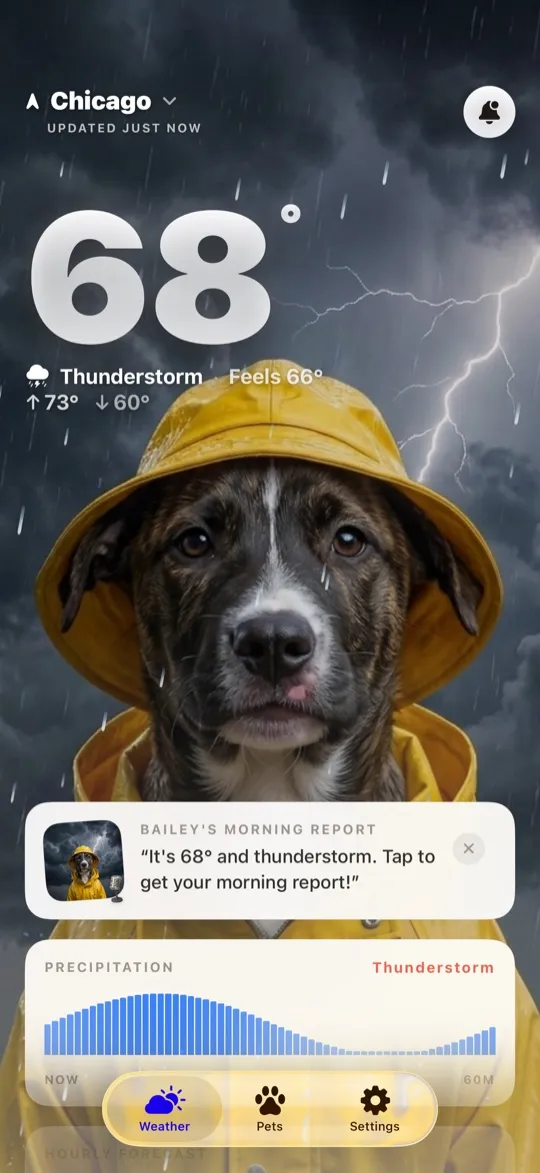
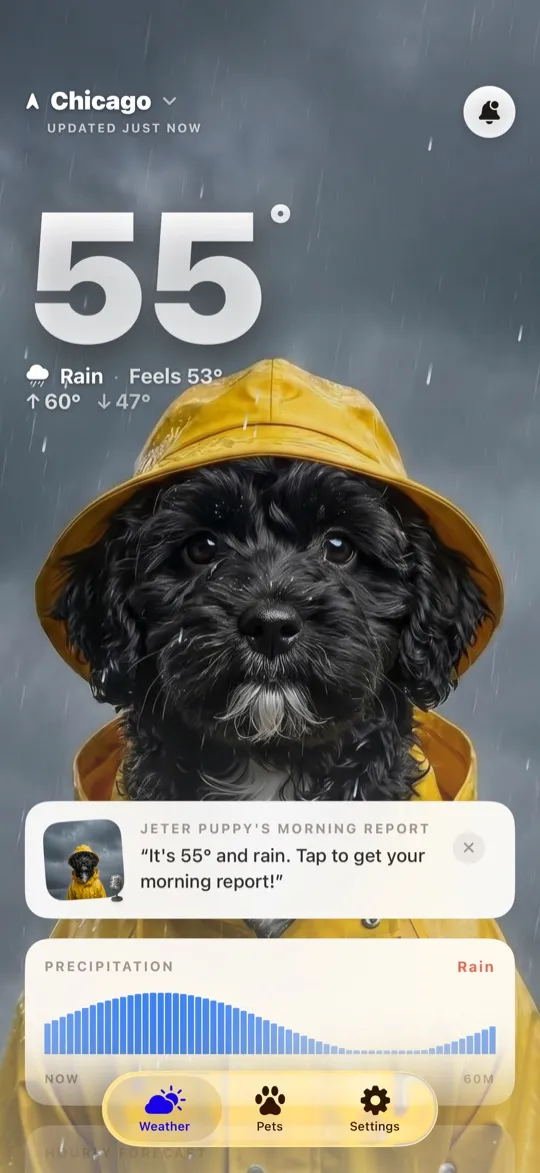
WeatherPets starts with your cat. Upload a photo once and the app uses AI to generate your actual cat inside weather-accurate scenes: stretched out in a sunbeam on a clear day, watching the rain from a windowsill, fluffed up against the snow. Style packs like pixel art, watercolor, studio, lofi, and polaroid reskin those scenes so the look stays fresh. The cat is not decoration next to the forecast; the cat is the forecast.
One honest caveat: WeatherPets needs a photo of your cat to work its magic. If you would rather not upload a pet photo, Weather Kitty's ready-made library will suit you better.
Weather data
Neither app skimps on the actual weather. Weather Kitty builds its forecast on NOAA data and includes animated radar. WeatherPets is powered by Apple WeatherKit, the same forecasting engine behind the built-in iPhone Weather app, with current conditions, hourly and 10-day forecasts, and severe-weather alert notifications that reach you even when the app is closed.
Widgets, alerts, and daily reports
Both apps offer home screen widgets. Weather Kitty's show a themed cat photo with your conditions. WeatherPets widgets put your own cat and the temperature on your home screen, so the first face you see when you pick up your phone is the one waiting for you in the kitchen.
WeatherPets also adds something Weather Kitty does not have: morning and evening reports, short daily briefings written in your cat's personality. Judgy, dramatic, sweet, aloof, you pick the voice, and the day's forecast arrives in character.
WeatherPets vs Weather Kitty at a glance
| Weather Kitty | WeatherPets | |
|---|---|---|
| Pet on screen | 1,000+ stock cat photos in 17 themes; your own photos as a paid add-on | Your actual cat, AI-generated into live weather scenes |
| Weather data source | NOAA-based forecasts with animated radar | Apple WeatherKit |
| Widgets | Home screen weather widgets with themed cats | Home screen widgets starring your own cat |
| Severe-weather alerts | In-app alerts | Alert notifications via WeatherKit |
| Daily reports | None | Morning and evening reports in your cat's voice |
| Price | Free with ads; Meow Prime $2.99/mo or $19.99/yr; theme packs from $1.99 | Free download; full features $9.99/mo or $34.99/yr |
| Platform | iOS and Android | iOS 17+ (iPhone) |
Price: free with ads vs a subscription
This is the fairest knock on WeatherPets, so let's not dodge it. Weather Kitty is free with ads, and its Meow Prime subscription ($2.99 a month or $19.99 a year) mostly unlocks themes and removes ads. WeatherPets is free to download, but the full experience, AI scenes of your pet, every style pack, reports, and widgets, runs $9.99 a month or $34.99 a year.
That difference buys something specific: generating custom artwork of your individual cat for every weather condition is genuinely expensive to do, in a way that serving stock photos is not. Whether that is worth it depends on how much the "it's actually my cat" moment matters to you. If budget is the deciding factor, Weather Kitty wins, no argument.
Which should you choose?
- Choose Weather Kitty if you want a free, lightweight app with a huge stock-cat library, you are on Android, or you would rather not upload a photo of your pet.
- Choose WeatherPets if you have an iPhone and you want your own cat in the forecast, with widgets, severe-weather alerts, daily reports, and art styles built around your actual pet.
For most cat owners we hear from, the personal touch is the whole point. WeatherPets supports dogs, guinea pigs, and bunnies too, so the entire household is covered. Try WeatherPets free and see your cat in today's weather.
Related: the best cat weather app for iPhone.
Looking for a Weather Kitty alternative?
Weather Kitty popularized a simple, lovable idea: weather is friendlier when a cat delivers it. If you're searching for an alternative, the question is what you want more of. For deeper customization, Carrot Weather leans on snarky personality; for simplicity, Apple Weather is already on your phone. But if what you loved about Weather Kitty was the cat, WeatherPets takes that idea one step further — instead of stock cats, it puts your cat into the forecast, with weather-accurate AI scenes, home screen widgets, severe-weather alerts, and morning reports written around your cat's personality.
The feature that separates WeatherPets from an ordinary weather app is the Pet Safety Score: a 0 to 100 read on whether it is safe for your specific pet to be outside right now, with every point in the number explained rather than asserted. Meet your WeatherPet on the App Store.
Your daily forecast, delivered by your own pet.