WeatherPets Live Activities: Weather on Your Lock Screen
Most weather apps make you come to them: unlock, find the icon, tap, wait, scroll. A Live Activity flips that around. Your pet and the current conditions sit right on your lock screen, updating as the weather changes, so the answer to "do I need to move the walk?" is already there before you have asked it. Here is how WeatherPets Live Activities work and how to get the most out of them.
What a Live Activity is, in 30 seconds
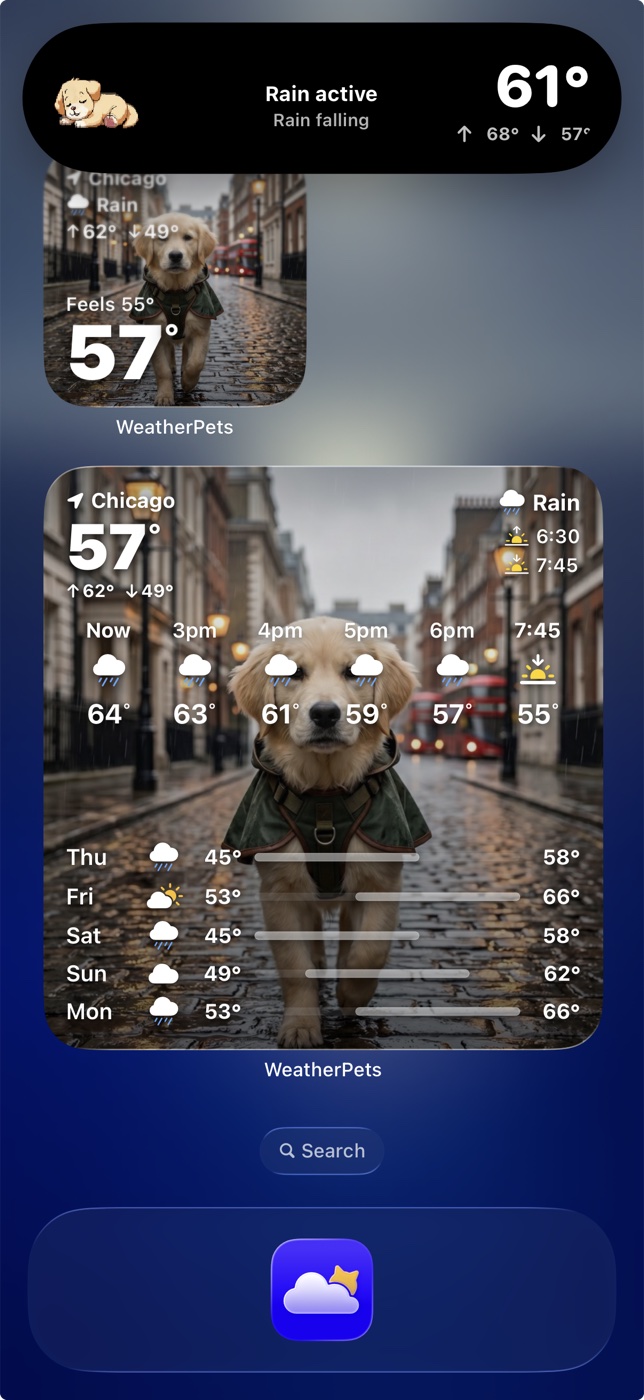
Live Activities are Apple's system for putting real-time, glanceable updates on the iPhone lock screen, the same feature that shows a food delivery inching toward your door or a game score changing in the corner. On newer iPhones they also live in the Dynamic Island at the top of the screen, so the update stays visible even while you are in other apps. If you want the system-level details, Apple's Live Activities guide covers how they behave across the lock screen and Dynamic Island.
The design brief for the feature is "things that change over the next few hours." Which describes the weather perfectly.
What WeatherPets puts in yours
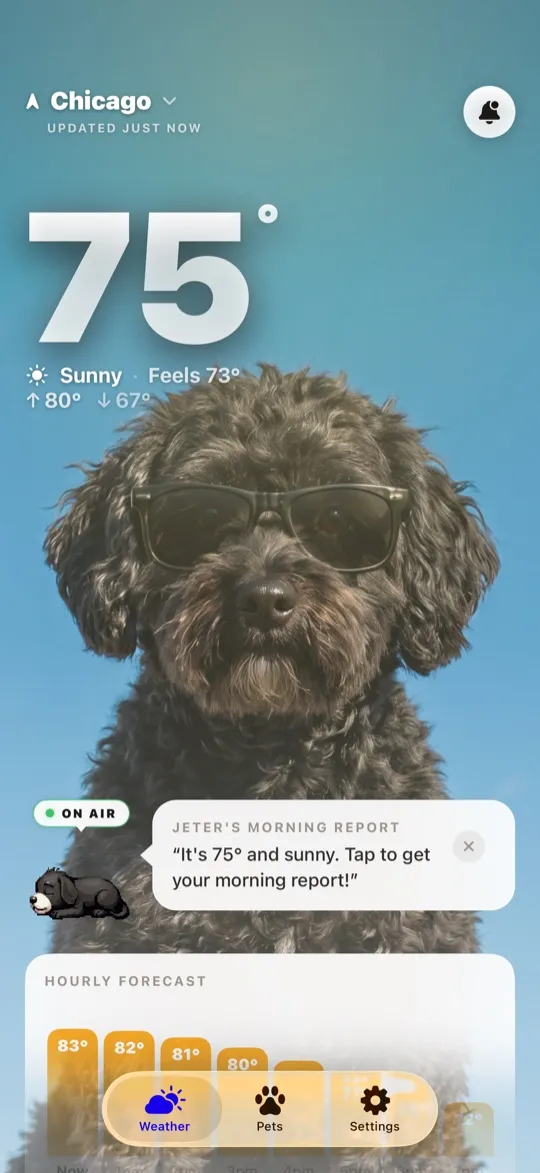
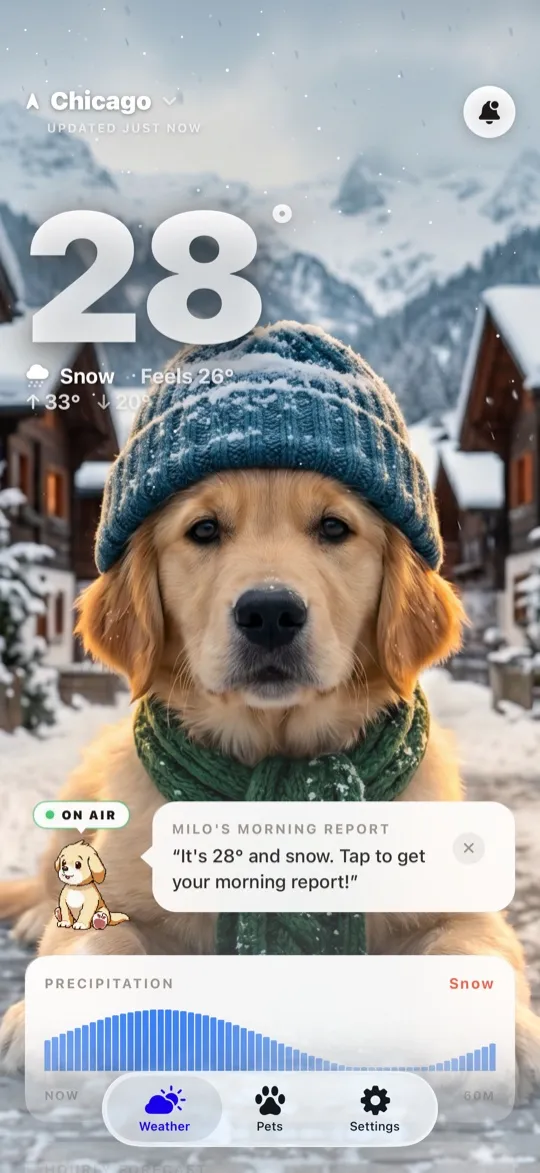
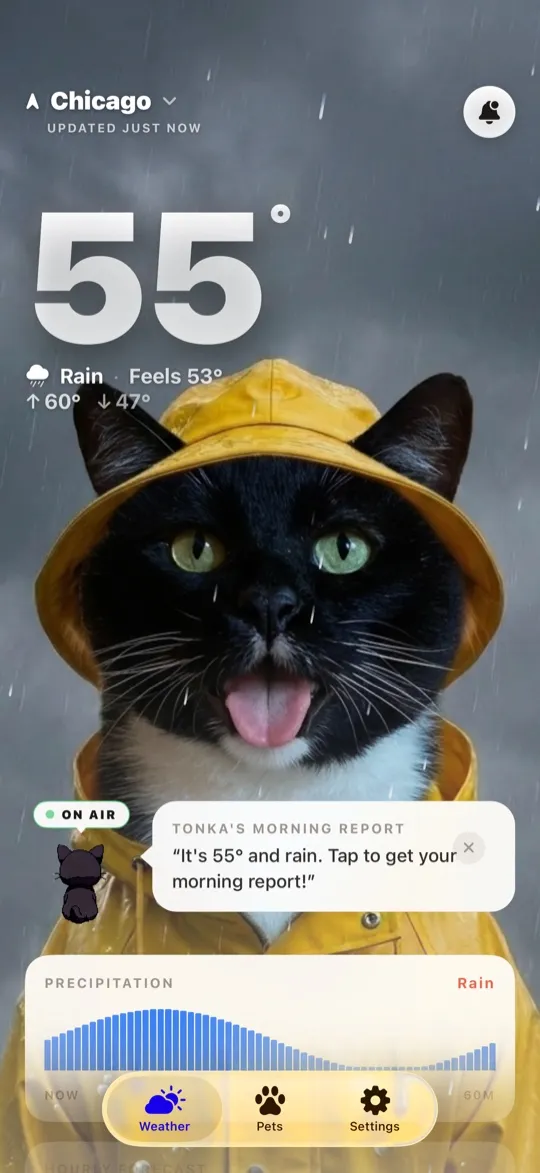
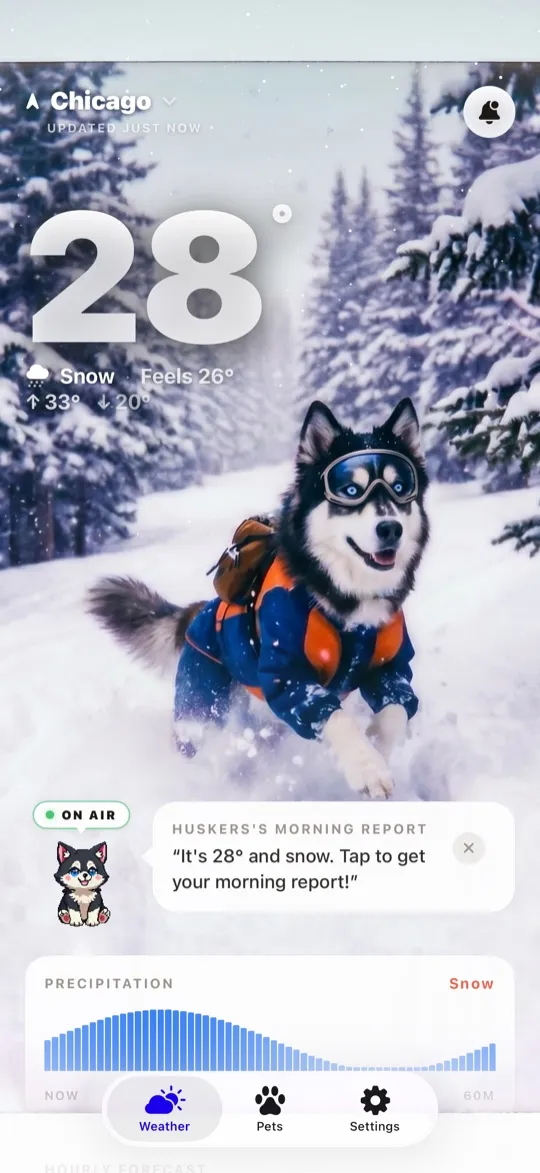
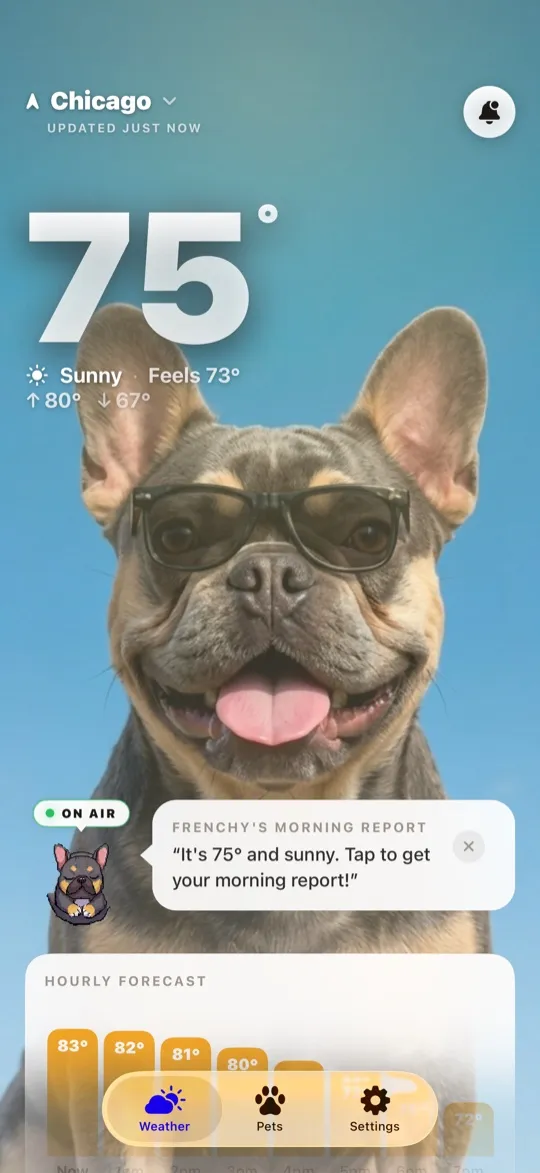
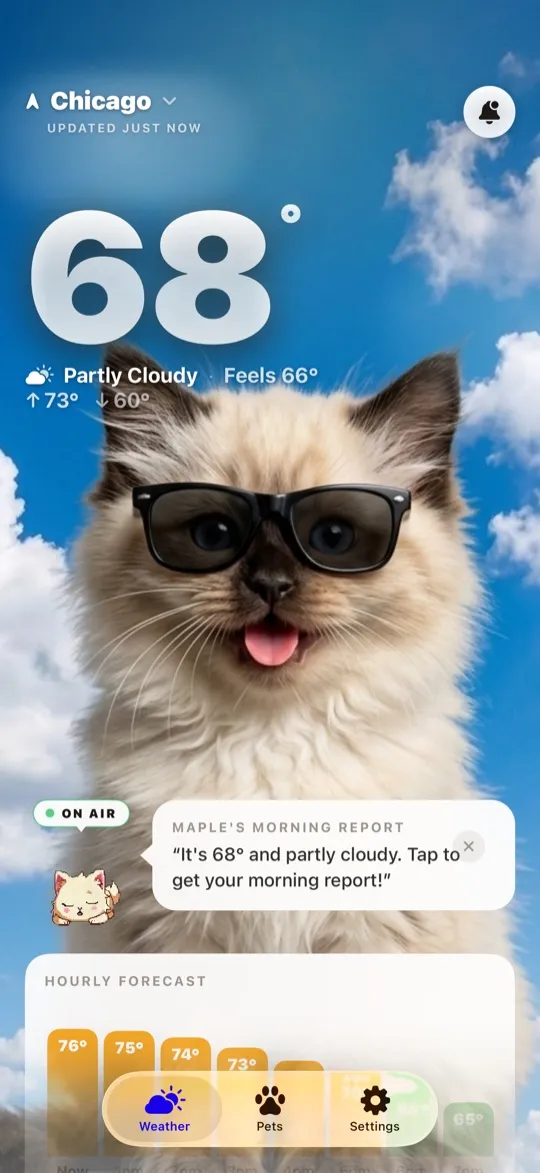
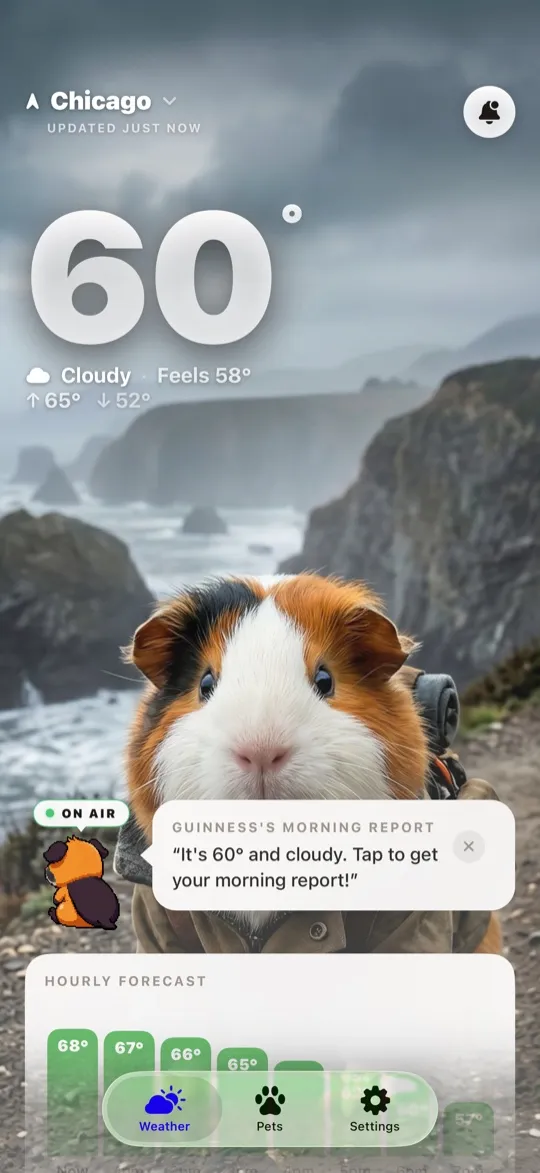
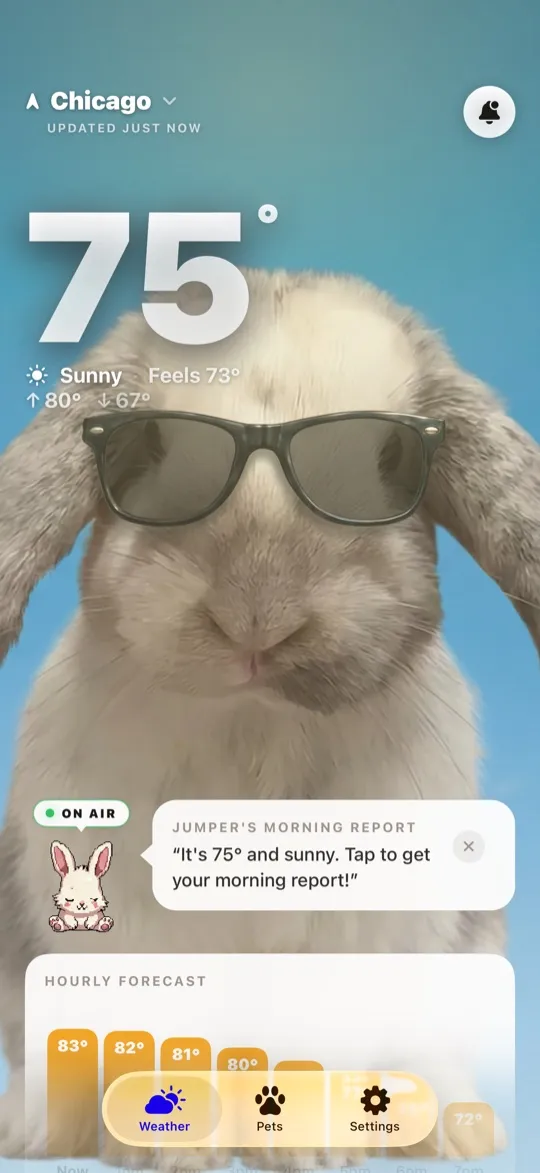
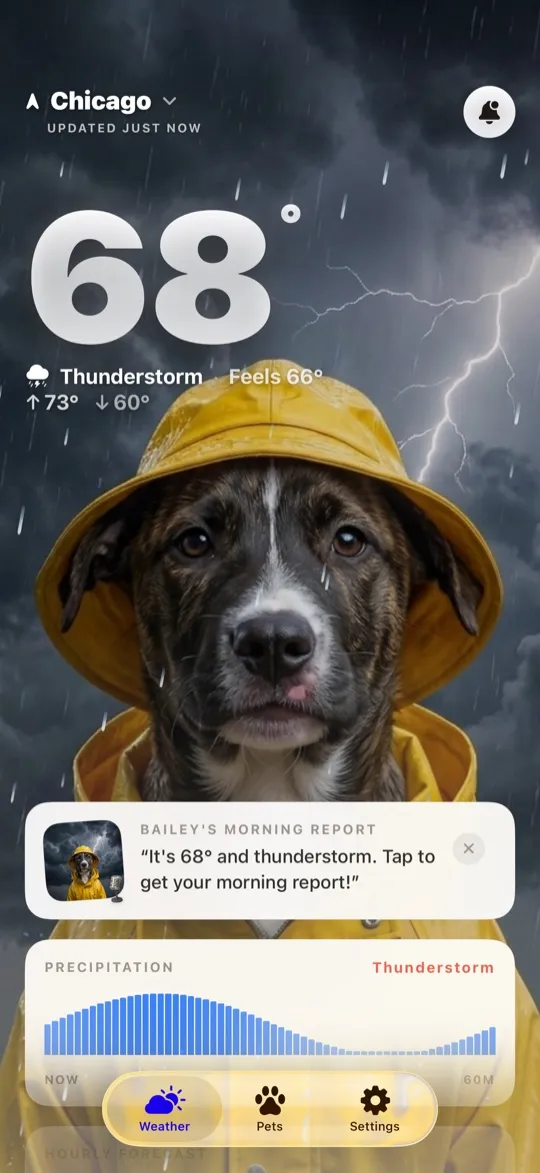
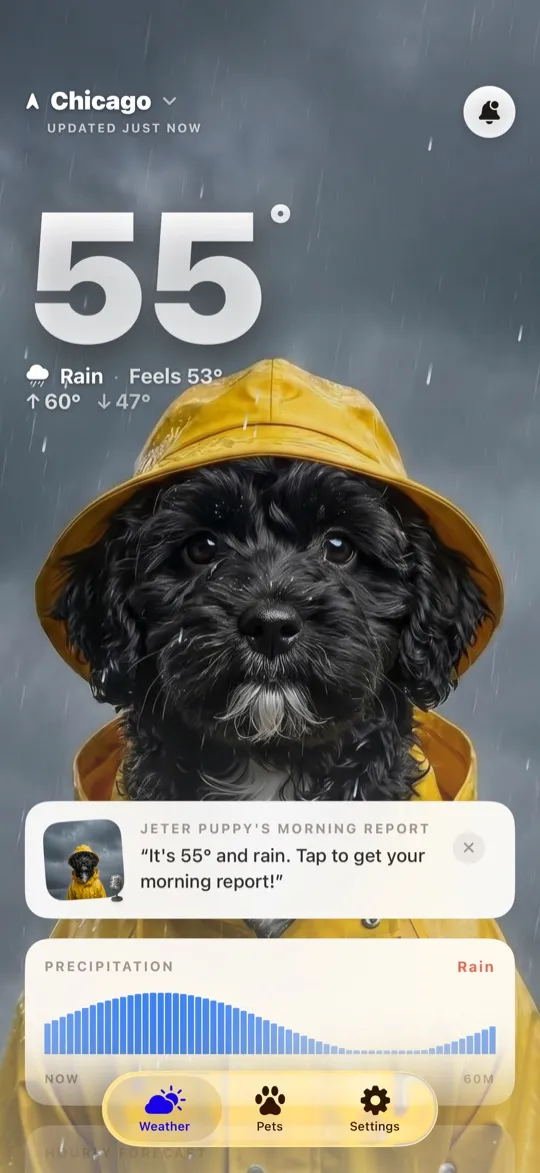
A WeatherPets Live Activity is your own pet, in character, riding along with live conditions: the current temperature and sky, tracked in real time as the day develops. When the weather shifts, your pet's scene shifts with it. Sunshine turns to storm clouds, and your dog's little illustrated world changes right there on the lock screen. It is the difference between a number changing and a story updating, and it is genuinely the feature that makes people show their lock screen to strangers.
When it earns its spot
- Heat wave afternoons. In July, the question is never "is it hot" but "when does it stop being dangerous." A glance at the lock screen tells you when the evening walk window actually opens. Pair it with our heat wave survival guide and the hottest week of the year runs on autopilot.
- Storm days. If your dog starts trembling twenty minutes before the first thunderclap, you want to see that storm cell coming without babysitting a radar app. Conditions updating on the lock screen buy you prep time.
- Walk-window hunting. Rainy-day dog ownership is the art of finding the 40 dry minutes between showers. A Live Activity turns that from repeated app-checking into passive awareness.
- Errand days. Before you decide whether the dog rides along, the current temp is already on your screen. (Short version: if it is hot, they stay home. We wrote about how fast parked cars turn dangerous.)
Getting set up
Download WeatherPets, pick your pet, and give it a personality; that part is the fun tax, and it takes two minutes. Start the Live Activity from the app and it takes over from there, tracking conditions in real time. A few tips from heavy use:
- Check your settings once. Live Activities need to be allowed in Settings for the app; if yours never appears, that toggle is the usual suspect.
- Pair it with a widget. The Live Activity covers "right now," and a home screen widget covers the rest of the day. Together they mean you basically never open a weather app again, which is a funny thing for a weather app to brag about, but here we are.
- Let the reports do the bookends. The morning and evening reports set up the day and close it out; the Live Activity handles everything in between.
The honest fine print
A Live Activity is a glance tool, not a replacement for judgment. It will tell you it is 94 degrees; it will not stop you from attempting the noon fetch session anyway. And like all Live Activities, it is designed for a window of hours rather than running forever, so think of it as your companion for the active part of the day. For deep planning, the full 10-day forecast lives one tap away in the app.
If your lock screen is currently a photo of your pet anyway, this is the obvious upgrade: same face, now with a working knowledge of meteorology. Your pet is waiting, get WeatherPets.
Your daily forecast, delivered by your own pet.